Signs Your Business Has Outgrown Its Current IT Infrastructure
General

 4 months ago
Business growth creates new opportunities, but it also places greater demands on technology. Many companies do not realize their systems have become a bottleneck until productivity declines, security risks increase, or recurring IT issues disrupt daily operations.
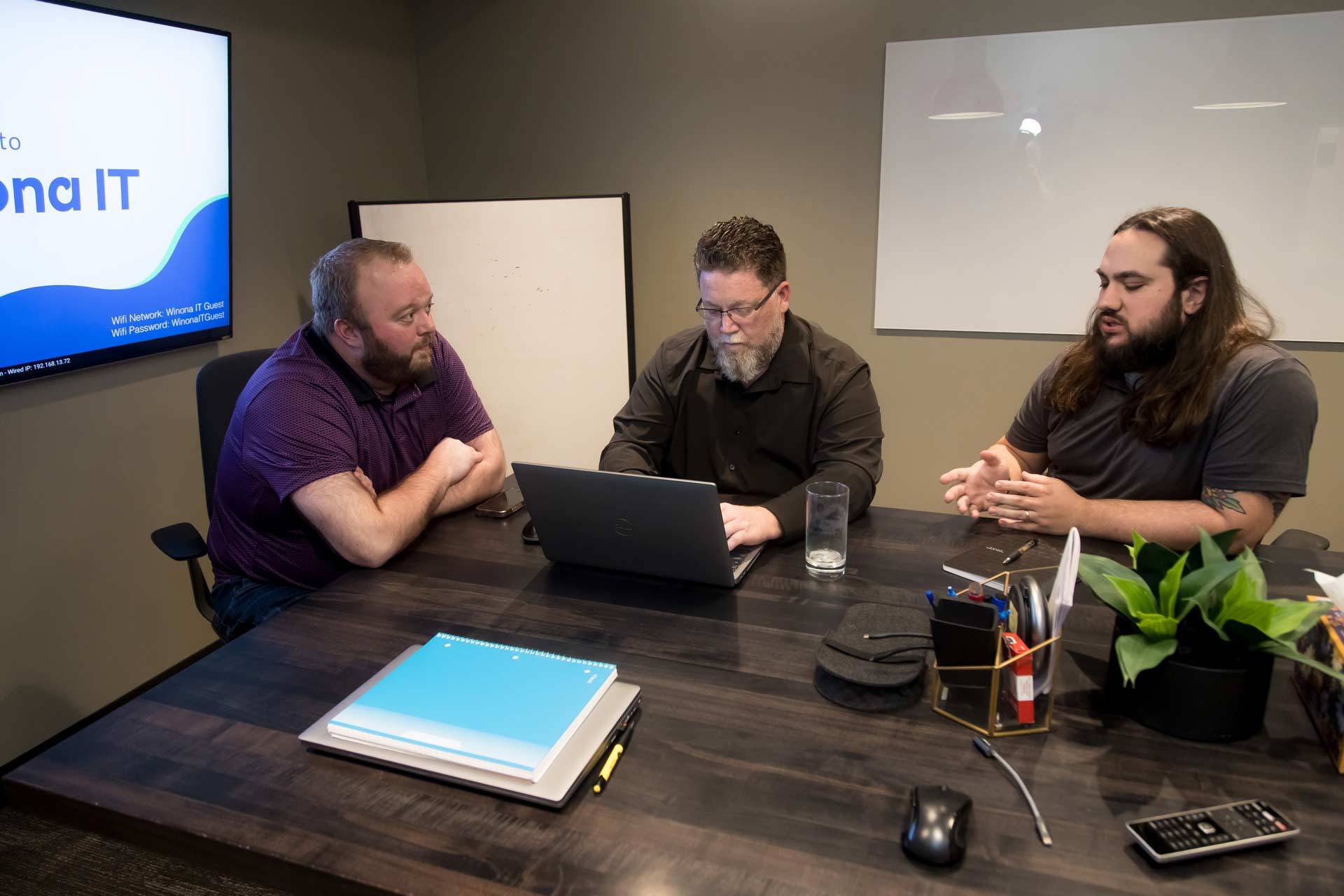
Effective IT infrastructure management ensures your technology supports your business goals instead of holding them back. If your organization experiences any of the following warning signs, it may be time to consider an IT infrastructure upgrade.
Sign #1: Employees Are Constantly Dealing with Slow Systems
Productivity Suffers When Technology Can’t Keep Up
Slow technology does more than frustrate employees. According to Nexthink’s 2025 Workplace Productivity Report, across larger organizations, poor digital employee experiences cost organizations an average of 470,000 hours of productivity annually.
Slow computers, lagging applications, and frequent technology interruptions force employees to stop working and wait for systems to respond. Many employees start another task while they wait, then lose additional time switching back and regaining focus.
While a few seconds of delay may seem insignificant, those small interruptions add up across an entire organization. Over time, productivity losses can affect employee satisfaction, customer service, and profitability.
Key takeaway: Small delays create significant productivity losses when they occur throughout the workday.
Sign #2: IT Issues Are Becoming More Frequent
Recurring Problems Signal Deeper Infrastructure Challenges
Every business experiences occasional technical problems. However, recurring issues often point to larger infrastructure concerns.
According to ITIC research, 82% of organizations experienced at least one unplanned downtime incident during the past three years. Additionally, 84% of businesses identify security issues as a leading cause of downtime, while outdated software, aging hardware, and inadequate IT support also contribute.
Common warning signs include:
- Slow response times from support staff
- Frequent network outages
- Unreliable hardware
- Increasing support requests
- Equipment approaching end-of-life
Many businesses spend more time troubleshooting recurring issues than they do implementing strategic improvements.
Key takeaway: Constant troubleshooting often costs more than proactive upgrades.
Sign #3: Your Business Has Added Employees, Locations, or Services
Growth Creates New Technology Demands
Business growth often exposes limitations in existing infrastructure.
For example, systems that worked well for 10 employees can create security and management challenges for 30 or more. Shared accounts, flat networks, and manual device management quickly become difficult to maintain as organizations grow.
As businesses expand, they often need:
- Centralized identity management
- Device management solutions
- Segmented networks
- Additional bandwidth
- Support for more users and applications
Without these improvements, operational complexity increases and efficiency declines.
Key takeaway: Infrastructure designed for a small team may struggle to support a growing organization.
Sign #4: Cyber Security Risks Are Increasing
Outdated Infrastructure Creates Security Gaps
One of the clearest signs your business has outgrown its infrastructure involves unsupported software and aging systems.
Microsoft ended support for Windows 10, Office 2016, and Office 2019 on October 14, 2025. Organizations that continue using these products no longer receive regular security updates, leaving systems exposed to newly discovered vulnerabilities.
Although Extended Security Updates (ESU) provide temporary protection, they do not solve the underlying problem.
Additional warning signs include:
- Unsupported operating systems
- Delayed security updates
- Limited visibility into threats
- Compliance challenges
Unsupported operating systems aren’t just a security risk; they’re also a common compliance finding under frameworks like HIPAA, FERPA, and CIPA, potentially exposing organizations to regulatory and financial consequences.
Strong IT infrastructure management plays a critical role in reducing cyber security risk and maintaining regulatory compliance.
Key takeaway: As cyber threats evolve, your technology must evolve as well.
Sign #5: Remote and Hybrid Work Feels Difficult
Modern Work Requires Modern Infrastructure
Today’s employees expect secure access to business resources from virtually anywhere. When remote work creates frustration, your infrastructure may no longer meet your needs.
Common challenges include:
- Difficulty accessing files remotely
- Collaboration tool limitations
- Inconsistent user experiences
- Dependence on outdated technologies
Modern cloud solutions, secure remote access tools, and centralized management platforms help employees remain productive regardless of location.
Key takeaway: Employees should be able to work securely and efficiently from anywhere.
Sign #6: You’re Planning For Growth, But Your Technology Isn’t
Technology Should Support Business Goals
Technology should enable growth rather than restrict it.
If your organization plans to open new locations, hire additional employees, adopt cloud technologies, or invest in new software, your infrastructure must support those initiatives.
Many businesses discover too late that their current systems cannot scale effectively. An IT infrastructure upgrade helps ensure your technology can accommodate future growth without creating unnecessary disruption.
Key takeaway: Your technology should support business objectives instead of becoming a barrier to progress.
What to Do Next
Start with an IT Assessment
The first step involves understanding where your infrastructure stands today.
A comprehensive assessment can help you:
- Evaluate current systems
- Identify bottlenecks
- Uncover security risks
- Prioritize technology investments
- Develop a roadmap for growth
This process allows business leaders to make informed decisions based on both current needs and future goals.
Consider a Strategic Technology Partner
Many organizations benefit from working with an experienced technology partner that understands both business operations and IT infrastructure management. The right strategy creates a stronger foundation for long-term success.
A trusted partner can help:
- Align technology with business objectives
- Reduce downtime
- Improve cyber security
- Plan future upgrades
- Build scalable systems
Is It Time For An IT Infrastructure Upgrade?
If your employees struggle with slow systems, recurring IT issues, cyber security concerns, or growth-related challenges, your business may have outgrown its current technology environment.
Addressing these warning signs early can improve productivity, strengthen security, and position your organization for future growth. Effective IT infrastructure management helps businesses operate more efficiently today while preparing for tomorrow’s opportunities.
Not sure if your technology is keeping pace with your business? Winona IT provides technology assessments, IT strategy planning, managed IT services, and cyber security solutions to help businesses across Northern Indiana build a scalable, secure, and reliable technology foundation.
Contact our team today to learn how we can help support your next IT infrastructure upgrade.
About: Winona IT
You May Be Interested In:

Supporting Multi-Location Businesses With Centralized IT Support
3 weeks ago by Winona IT

How To Evaluate If Your IT Support Is Actually Working
1 month ago by Winona IT

How To Turn IT Data Into Business Insights
2 months ago by Winona IT

How To Improve Employee Onboarding With Better IT Setup
2 months ago by Winona IT
What Our Clients Say
Testimonials from Satisfied Customers
Their dedication and tireless efforts in setting up our IT infrastructure, implementing robust security measures, and guiding us through a major transition period have been invaluable. Their expertise, professionalism, and commitment to excellence have made a significant impact on our business. We highly recommend Winona IT to anyone seeking top-notch IT services.
Gina Cesaretti — Insurance Provider