Maximizing Productivity: The Best IT Tools For Remote Teams
General
 7 months ago
Remote and hybrid work have become a standard part of how businesses operate. Teams no longer sit in the same office, and employees often work from different locations, time zones, and devices.
While this flexibility creates new opportunities, it also introduces challenges. Teams may struggle with communication gaps, project coordination, and security risks. Without the right systems in place, productivity can quickly suffer.
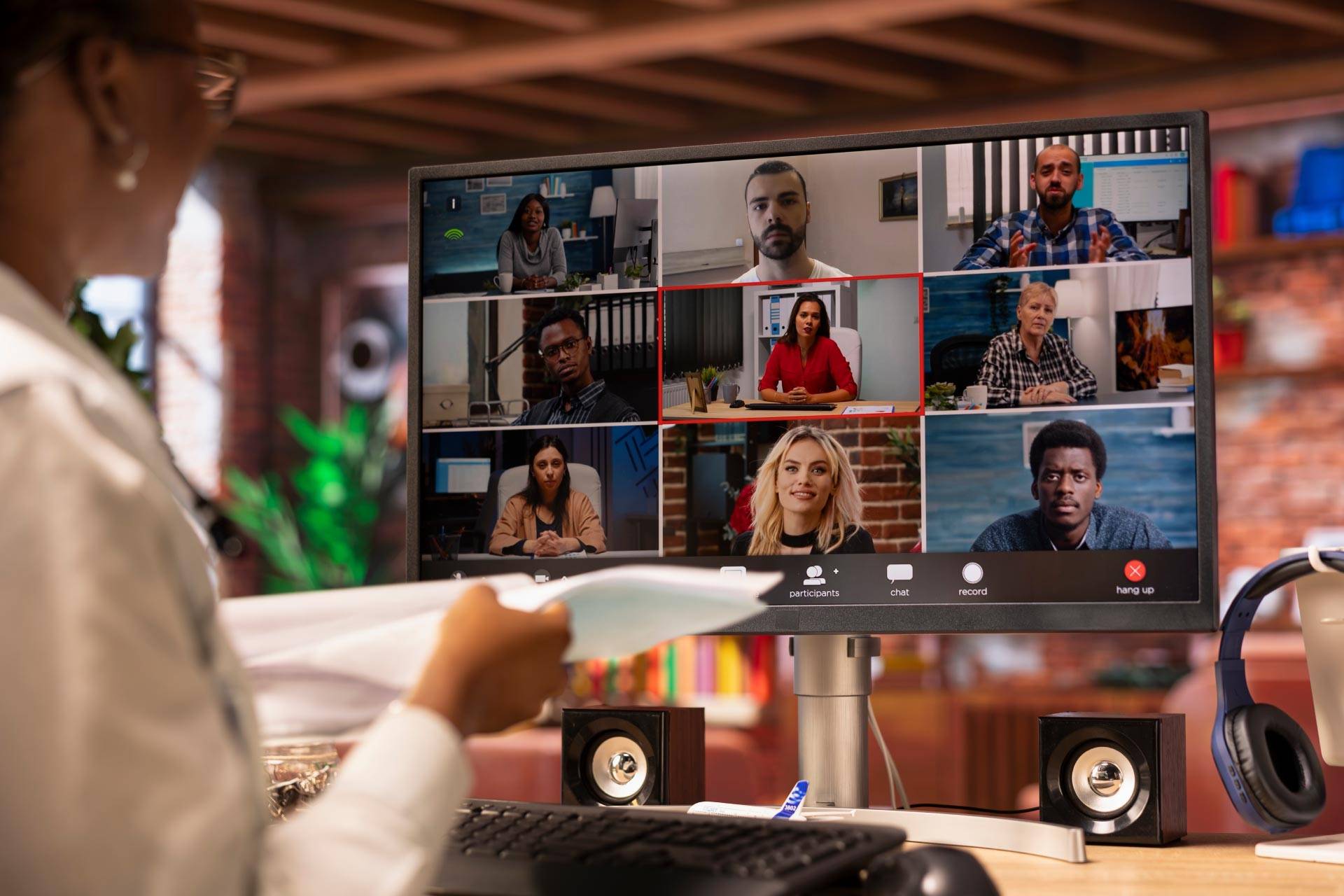
The right IT tools for remote teams help solve these challenges. They improve collaboration, keep projects on track, and protect company data. Businesses that build a strong and structured technology stack create a better experience for employees and stronger results for the organization.
Remote Teams Need the Right IT Tools
Remote work changes how teams communicate, collaborate, and complete tasks. Instead of quick in-person conversations, teams rely on digital tools to stay connected.
Reliable technology plays a key role in keeping remote teams productive. When systems work well, employees stay focused and engaged. When tools fail, work slows down, and frustration grows.
The right IT tools for remote teams should provide several key benefits:
- Improved communication between team members
- Better task and project management
- Secure access to company systems and data
- Increased accountability and productivity
- Reduced downtime and technical issues
Businesses that invest in the right tools set their teams up for success.
Essential Categories of IT Tools for Remote Teams
Communication And Collaboration
Strong communication keeps remote teams aligned and productive. Communication tools allow team members to connect in real time, no matter where they work.
These tools reduce delays and help teams make faster decisions.
Key features include:
- Instant messaging for quick conversations
- Video conferencing for meetings and collaboration
- File sharing for easy access to documents
- Team channels for organized group discussions
When teams communicate clearly, they avoid misunderstandings and keep projects moving forward.
Cloud Storage And File Sharing
Remote teams need access to files from anywhere, but just as important is knowing everyone is working from the right file. Cloud storage provides a central, secure location where teams can store, share, and collaborate on documents, creating a true “one source of truth”.
Instead of files being scattered across desktops, email attachments, or local servers, everything lives in a single, authoritative place, eliminating confusion and the all-too-common “which version is the latest?” problem.
Popular options include:
- Microsoft Sharepoint
- Microsoft OneDrive
- Google Drive
These platforms allow teams to work together in real time while keeping files secure and organized.
Benefits include:
- Real-time file collaboration
- Secure document storage
- Easy file sharing across teams
- Version control and file recovery
- Strong permissions and access control
- Better organization, search, and automation
By removing silos and centralizing information, cloud storage helps teams stay aligned, efficient, and confident that they’re always working from the most up-to-date files.
Cybersecurity And Access Management Tools
Remote work increases cyber security risks. Employees connect from home networks, public WiFi, and personal devices. Without proper protection, these connections can create vulnerabilities.
Cyber security tools help protect systems and control access to sensitive data.
Important tools include:
- VPN solutions for secure connections
- Multi-factor authentication for account protection
- Endpoint security to protect devices
These tools provide:
- Secure remote network access
- Protection from phishing and malware
- Controlled system permissions
Strong security measures protect both the business and its employees.
Time Tracking And Productivity Tools
Managers need visibility into how work gets done, especially in remote environments. Time tracking tools help teams stay organized and focused without creating unnecessary oversight.
These tools support productivity by helping employees manage their time effectively.
Key features include:
- Work hour tracking
- Project time allocation
- Productivity reporting
When teams understand how they spend time, they can improve efficiency and stay on track.
Project Management Platforms
Project management tools help teams organize work, assign tasks, and track progress. These platforms create visibility across the entire team.
Managers and team members can see what needs to get done and when. This transparency improves accountability and keeps everyone aligned.
Important features include:
- Task assignments and ownership
- Workflow tracking
- Deadline management
- Progress visibility across projects
These tools help remote teams stay organized and focused on priorities. Without them, teams experience miscommunication, extended timelines, unclear expectations, costly project delays, and more.
The Right IT Setup Improves Remote Team Productivity
When businesses integrate their IT tools, they create a smoother and more efficient workflow. Employees can move between systems without friction, which saves time and reduces errors.
Automation also plays an important role. It reduces repetitive tasks and allows employees to focus on meaningful work.
A well-designed IT environment leads to:
- Faster communication and decision-making
- Fewer technical disruptions
- Improved collaboration across teams
- Better employee satisfaction and work-life balance
When technology works the way it should, teams perform at a higher level.
The Role of Managed IT Support for Remote Teams
Managing remote IT systems requires time, expertise, and ongoing attention. Many businesses benefit from working with a managed IT provider like Winona IT.
Managed IT services help businesses select, configure, and maintain the right tools for remote teams. This support ensures systems stay secure, reliable, and up to date.
Managed IT services can provide:
- Remote device management
- Security monitoring and threat detection
- Software deployment and updates
- Technical support for remote employees
Winona IT works with businesses to build secure and productive remote work environments. Our team helps you choose the right tools and keeps your systems running smoothly.
Signs Your Remote Team May Need Better IT Tools
Some challenges signal that your current systems may not meet your team’s needs.
Watch for:
- Communication breakdowns across departments
- Difficulty tracking projects and deadlines
- Frequent technical issues for remote staff
- Security concerns around remote access
- Employees using multiple disconnected platforms
If your team experiences these issues, it may be time to upgrade your IT tools and strategy.
Improve Your Remote Team’s Productivity with the Right IT Solutions
Remote work continues to grow, and businesses need the right technology to support it.
Winona IT helps organizations implement effective IT tools for remote teams that improve productivity, enhance security, and streamline operations. We offer IT assessments, managed services, and cyber security solutions designed to support your team wherever they work.
Contact Winona IT today to build a smarter, more secure remote work environment.
Frequently Asked Questions
What are the most important IT tools for remote teams?
The most important tools include communication platforms, project management systems, cloud storage, and cybersecurity solutions that protect data and support collaboration.
How can IT tools improve remote team productivity?
These tools streamline communication, organize tasks, and make it easier for teams to collaborate and complete work efficiently.
Are remote teams more vulnerable to cybersecurity threats?
Yes. Remote environments often involve multiple devices and networks, which increases risk. Strong security tools and practices help reduce these risks.
Should small businesses invest in remote work technology?
Yes. Even small teams benefit from structured IT systems that improve efficiency, communication, and security.
How can an IT provider support remote teams?
An IT provider manages tools, maintains system security, monitors performance, and provides technical support to keep remote teams productive.
About: Winona IT
You May Be Interested In:

Supporting Multi-Location Businesses With Centralized IT Support
3 weeks ago by Winona IT

How To Evaluate If Your IT Support Is Actually Working
1 month ago by Winona IT

Signs Your Business Has Outgrown Its Current IT Infrastructure
4 months ago by Winona IT

The Benefits Of IT Outsourcing For Growing Companies
5 months ago by Winona IT
What Our Clients Say
Testimonials from Satisfied Customers
Their dedication and tireless efforts in setting up our IT infrastructure, implementing robust security measures, and guiding us through a major transition period have been invaluable. Their expertise, professionalism, and commitment to excellence have made a significant impact on our business. We highly recommend Winona IT to anyone seeking top-notch IT services.
Gina Cesaretti — Insurance Provider